
Your needs, this model
Does it fit your priorities?
Can a 300-pound requirement coexist with power incline?
The linked US guide states 300 lb; the 400 lb sales-page claim is not used as the operating limit.
Explore this need in the finder →Can it fit a 43 by 23-inch operating allowance?
The current body is 42.9 by 22.8 inches.
Explore this need in the finder →Can a 64-pound allowance cover the published body?
The more precise current table states 63.1 pounds.
Explore this need in the finder →UREVO CyberPad for Home Pro: a smaller footprint with a load-documentation discrepancy
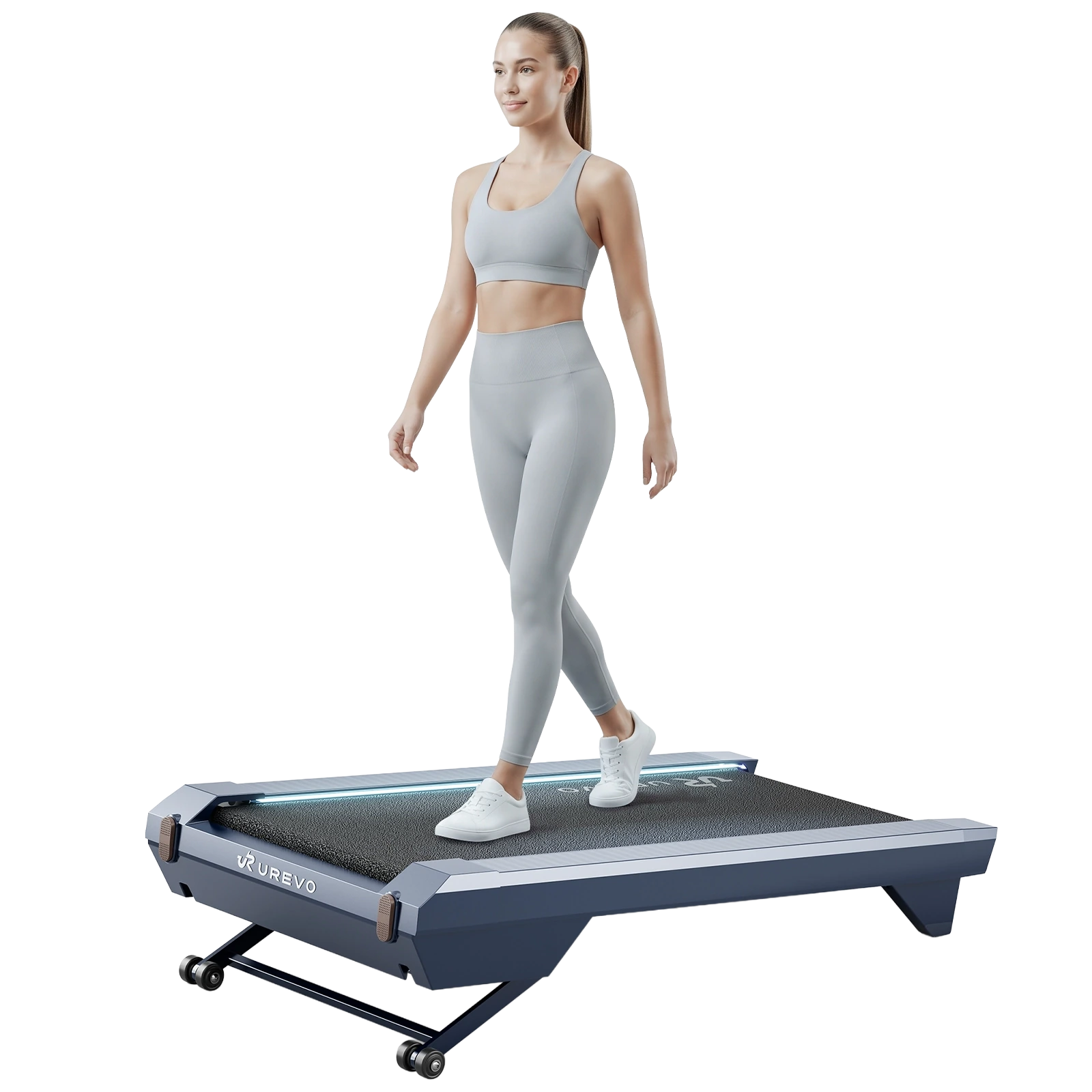
The Home Pro changes several practical dimensions of the original CyberPad for Home. Its published body is shorter, narrower and lower, with a shorter walking area. The current sales page advertises 400 pounds, but its linked US URTM064 guide states a 300-pound/136 kg maximum. This review uses the lower manual allowance. The Pro name cannot settle that version discrepancy or make it an improvement in every direction.
A smaller frame still needs a stride-fit check
The current US table lists a 42.9 by 22.8-inch body with a 6.3-inch height. Its walking area is 39.4 by 16.5 inches. Compare both sets of dimensions with your needs: outside measurements determine where the pad can stand, while the belt determines where your feet can move. A shorter frame can fit a room better without being the more comfortable walking surface for every user.
The original Home's belt is 43.3 inches long. If the extra length is important to your natural walking position, consider that difference before choosing the Pro simply for compactness. Try a comparable surface where possible, and keep the machine's surrounding operating space separate from its printed footprint. Desk braces and cable trays can matter as much as the distance between the legs.
Capacity and movement have separate answers
The linked guide's safety limit is 300 pounds, below the webpage's 400-pound figure. Obtain exact version-specific clarification if a higher allowance is essential; an updated machine with an outdated download has not been established. The product table separately lists a 63.1-pound machine weight, while a later summary rounds it to 63. Treat it as a substantial object to move, even though it is lighter on the published figures than the original Home.
Plan the route from operating position to storage, including turning room and any threshold. Wheels do not eliminate the lifting required by stairs. For someone who wants to clear a workspace several times a day, keeping the pad in a convenient ground-level location may be more important than its nominal reduction in weight. Check a proposed storage orientation against the exact Pro instructions, rather than borrowing another model's permission.
Incline and connected training need different work routines
The listed walking range is 0.6–4.0 mph, with 0–14% automatic incline and fourteen selectable levels. Use the range to choose a manageable setting; the highest angle is not an instruction to type at that incline. A steep walking break and a steady desk session place different demands on balance, attention and keyboard height.
The Home Pro page introduces Energy Score guidance and compatible UREVO App training, including sessions that can adjust speed and incline. Consider whether that feedback will help you establish a routine or simply add another screen to manage. Learn connected functions while walking is the main task. For ordinary work, make sure you understand the selected pace and keep a direct control route available.
Compare it with the Office configuration deliberately
The current CyberPad for Office table publishes the same main body, belt, load and weight figures. That makes the supplied controls, finish and actual app functions important parts of the final comparison. Do not infer that matching dimensions establish identical firmware or every training feature. Conversely, do not assume an Office label guarantees a longer permitted continuous session.
The Pro box lists the remote, tool, lubricant, cord and manual. Check optional supports separately and follow the exact care instructions. Choose it for the smaller frame within the lower documented allowance. The original Home has more belt length but a taller, heavier body and lower manual allowance; the SpaceWalk 5L is narrower and lighter with a lower maximum incline.
Key details at a glance
| Handrail supplied | No |
|---|---|
| Load configuration | Sales page advertises 400 lb; linked US URTM064 guide states 300 lb. Lower manual limit governs essential load matching. |
| Usable belt length | 39.4 in |
| Usable belt width | 16.5 in |
| Stated machine weight | 63.1 lb |
| Walking speed arrangement | 0.6–4.0 mph published walking range |
| Incline mechanism | 0–14% automatic incline |
| Storage routine | Exact storage orientation and full body dimensions must be checked. |
Use the exact model’s instructions for operating limits, supplied equipment and version differences.
Sources for this assessment
Find a walking pad for your real workspace.
Start with the load allowance, usable belt and storage routine, then add essential controls.